
What's in the template
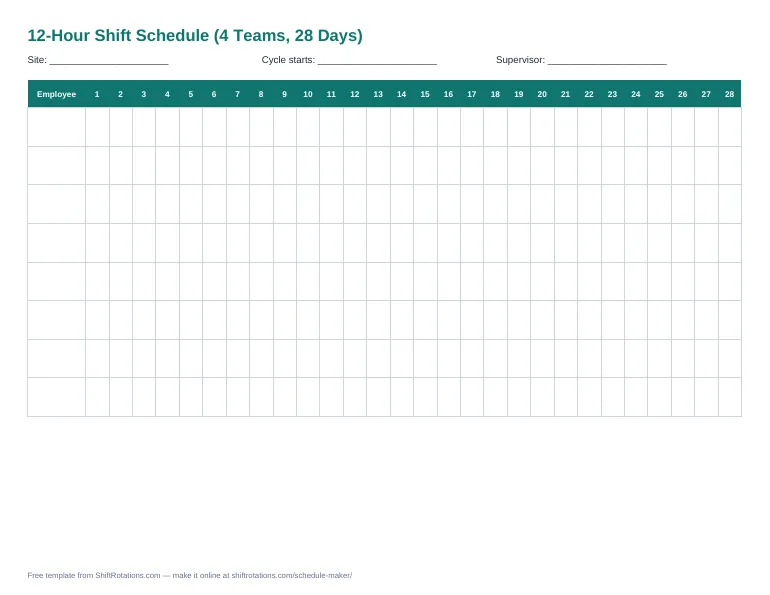
- Two ready-made sheets: 2-2-3 (Panama, rotating days and nights) and Pitman (fixed day and night teams)
- Day (7a–7p) and night (7p–7a) shifts color-coded
- Hours per team for the 28-day cycle
- Blank printable PDF for your own pattern
How to use it
- Pick the sheet for your rotation.
- Add team members in the Members column.
- Write the Monday the cycle starts in the header.
- Print it, or make each person a phone calendar with the shift rotation calendar.
Template or online schedule maker?
A template is perfect for printing and quick edits. The online schedule maker does more: tap-to-assign shifts, color coding, coverage per day, overtime warnings, labor cost and one-click PDF or Excel export — still free and with no sign-up.
Frequently asked questions
How many teams do I need for 12-hour shifts around the clock?
Four teams: one on days, one on nights and two off each day. Each team averages 42 hours a week.
What is the difference between the two sheets?
On the 2-2-3 Panama sheet, teams switch between day and night blocks every two weeks. On the Pitman sheet, teams A and B always work days and C and D always work nights.
Can I extend it beyond 28 days?
Yes — the rotation repeats every 28 days, so copy the 28 columns to the right. Or use the online schedule maker, which fills any rotation automatically.