
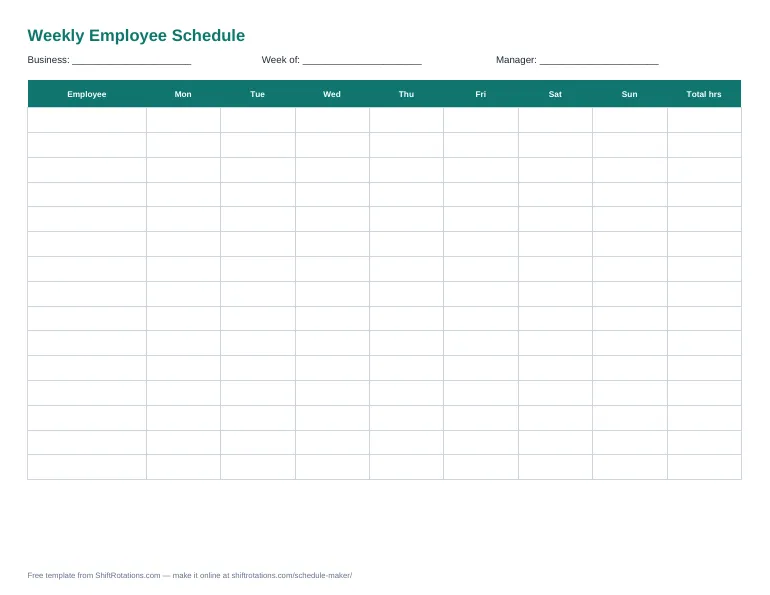
What's in the template
- Monday to Sunday columns, each with a shift cell and an hours cell
- Total hours per employee and per day (Excel calculates them for you)
- Business, week of and manager fields
- Landscape layout that prints on one page
How to use it
- Download the Excel, Word or PDF version.
- Enter each employee's name and role.
- Type the shift for each day (for example 9a–5p) and its paid hours (for example 7.5) in the Hrs column.
- Check the totals — anyone over 40 hours is heading into overtime.
- Print it or share the file with your team.
Template or online schedule maker?
A template is perfect for printing and quick edits. The online schedule maker does more: tap-to-assign shifts, color coding, coverage per day, overtime warnings, labor cost and one-click PDF or Excel export — still free and with no sign-up.
Frequently asked questions
Is this weekly schedule template free?
Yes — free to download, use and print, for any business. No sign-up.
Does the Excel template add up hours automatically?
Yes. Enter the paid hours for each shift in the Hrs column and the weekly total per employee and the daily totals update automatically.
Can I use it in Google Sheets?
To use it in Google Sheets, upload the .xlsx file to Google Drive and choose Open with → Google Sheets. The formulas keep working.
Can I make the schedule online instead?
Yes. "Edit online" opens the same layout in our free schedule maker, which adds shift colors, coverage counts, labor cost and PDF/Excel export.