
What's in the template
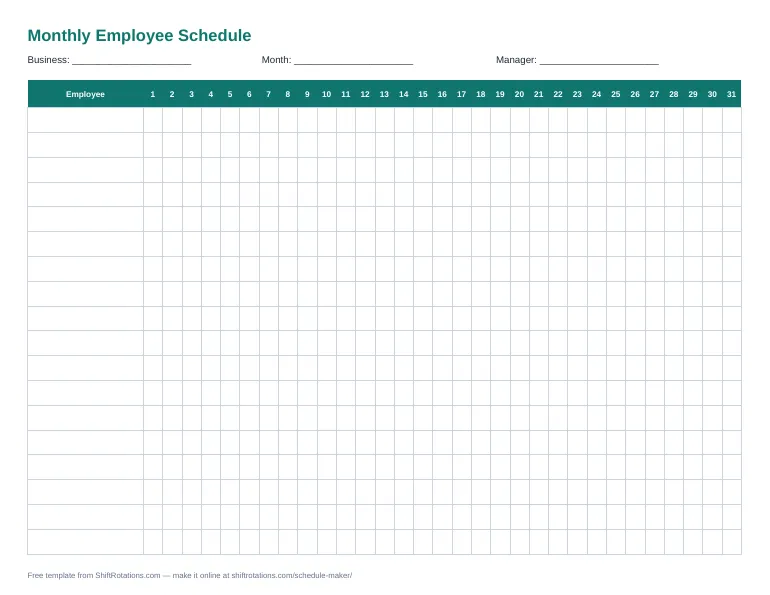
- Columns for days 1–31 and rows for 20 employees
- Shift codes: D (day), E (evening), N (night), O (off), V (vacation/PTO)
- Excel counts shifts and paid hours per employee — change the hours per code in the legend
- Prints on one landscape page
How to use it
- Download the template and write the month and weekdays across the top.
- Enter a code for each employee for each day.
- Set the paid hours per code in the legend (for example 8 or 12).
- Check the Shifts and Hours columns, then print or share.
Template or online schedule maker?
A template is perfect for printing and quick edits. The online schedule maker does more: tap-to-assign shifts, color coding, coverage per day, overtime warnings, labor cost and one-click PDF or Excel export — still free and with no sign-up.
Frequently asked questions
How do I make a monthly work schedule?
List your employees down the side and the days of the month across the top, then enter a shift code for each day. The Excel version counts shifts and hours per person for you.
What do the shift codes mean?
D = day shift, E = evening (swing) shift, N = night shift, O = off, V = vacation or paid time off. You can change the paid hours for each code in the legend.
Can I use it in Google Sheets?
To use it in Google Sheets, upload the .xlsx file to Google Drive and choose Open with → Google Sheets. The formulas keep working.
Is there a version for 12-hour rotations?
Yes — see the 12-hour shift schedule template, pre-filled with the 2-2-3 (Panama) and Pitman rotations.