
Sample staff schedules and shift plan templates
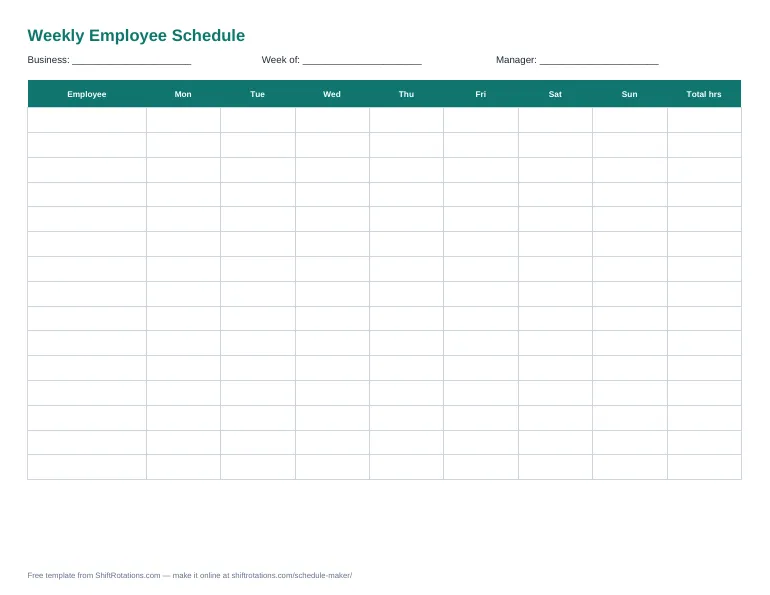
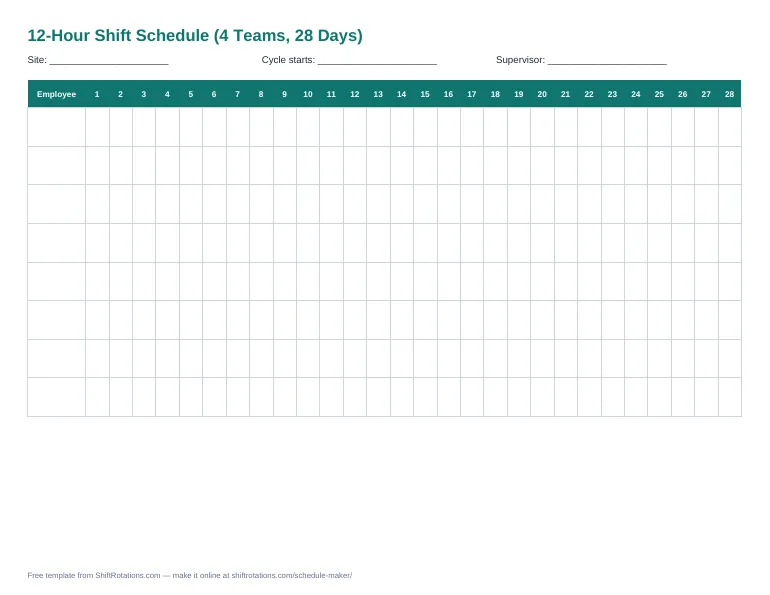
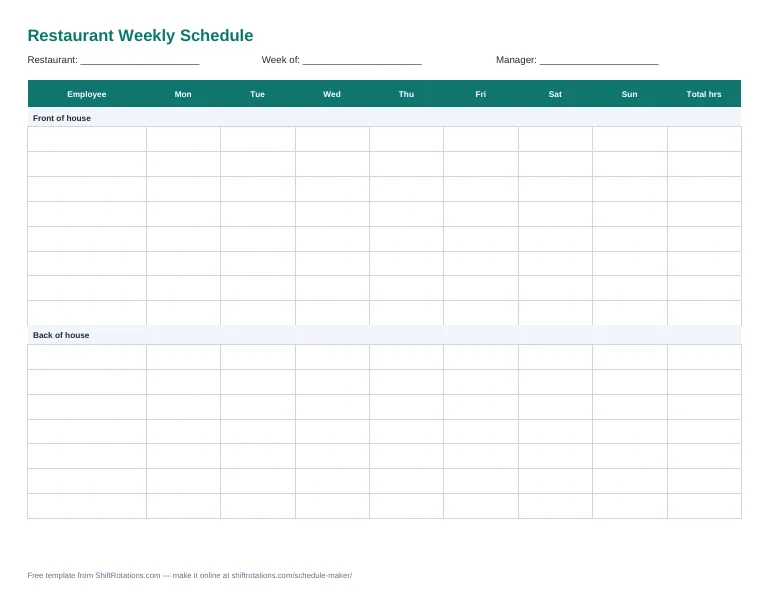
Each template doubles as a sample employee schedule: the 12-hour template comes pre-filled with two real rotations, and the weekly and restaurant templates show the standard format — names down the side, days across the top, a shift and its paid hours in each cell, totals on the right.
How to choose a schedule template
| Template | Best for | Formats |
|---|---|---|
| Weekly | Most small businesses: retail, offices, clinics | Excel, Word, PDF |
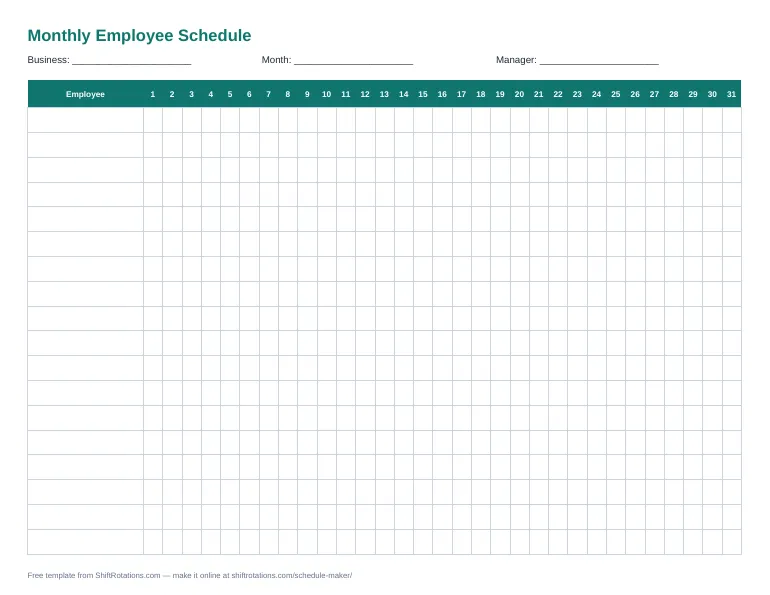
| Monthly | 24/7 teams, rotating schedules, planning time off | Excel, Word, PDF |
| 12-hour shift | Plants, hospitals, security with four teams | Excel, PDF |
| Restaurant | Front of house and back of house | Excel, Word, PDF |
Frequently asked questions
Are these schedule templates free?
Yes. Download, edit and print them for any business, as often as you like. No sign-up.
Which template should I use?
Weekly for most small teams; monthly for 24/7 or rotating teams; the 12-hour template for four-team day/night coverage; the restaurant template for front-of-house and back-of-house staff.
Do the templates work in Google Sheets?
Yes. Upload the .xlsx file to Google Drive and open it with Google Sheets. Hour totals keep working.
Can I make the schedule online instead of in Excel?
Yes — every template has an "edit online" link that opens the same layout in the free schedule maker, with color-coded shifts, coverage and PDF/Excel export.